





- July 9, 2026
- 0 Comments
Think about the last time you needed a local service quickly. You probably pulled out your phone and searched on Google. Most local customers do this exact same thing every single day, looking for nearby solutions. Unfortunately, many small businesses miss out on these ready-to-buy clients because their online business listing is poorly optimized or invisible.
If you want to capture this high-intent traffic, learning how to use Google Business Profile to generate leads is the single most valuable step you can take. It positions your company right where your local customers are looking.
What Is Google Business Profile and How Does It Generate Leads?
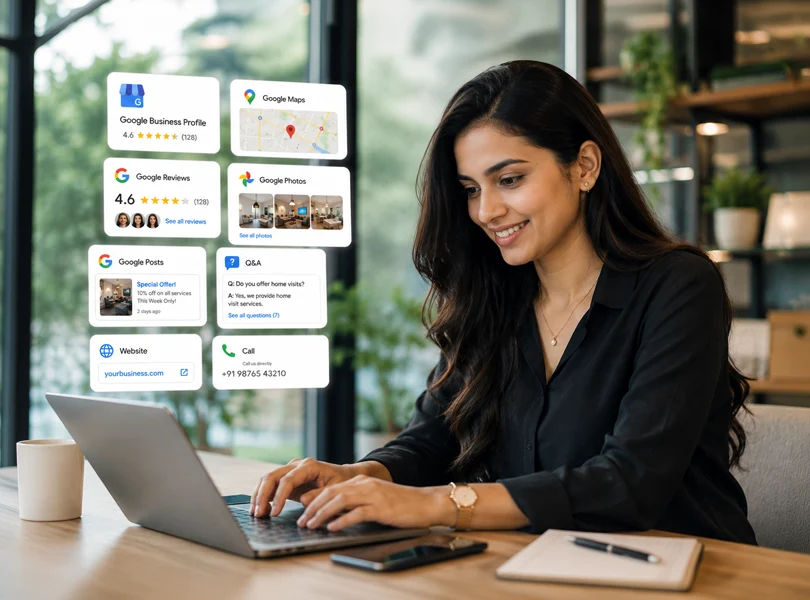
A Google Business Profile is a free tool from Google that allows local businesses to manage how they appear across Google Search and Google Maps. Think of it as your modern digital storefront. It displays your phone number, operational hours, services, and location details directly to users who need your help.
The lead generation journey is completely frictionless for the consumer. When local customers encounter a problem, they search for a nearby solution. Google displays a curated selection of matching profiles. A customer clicks your Google Maps listing, reviews your feedback, and checks your photos. If they trust what they see, they call you or request directions, turning search visibility into real customer enquiries without needing to browse a complex website first.
Why Google Business Profile Is Essential for Local SEO
Investing in Local SEO for small businesses requires understanding how Google ranks local search results. The algorithm evaluates three core factors to determine your search visibility and map placement.
The first factor is relevance, which measures how closely your business profile details match what a user is actively searching for online.
The second factor is distance, which calculates the physical proximity between your service area business and the person searching.
The third factor is prominence, which reflects how well-known your business is based on customer reviews, links, and local citations, which are mentions of your business name and address across the web.
How to Use Google Business Profile to Generate Leads
Executing an effective Google Business Profile optimization strategy requires keeping your profile complete and engaging. A complete listing makes it incredibly easy for consumers to trust your business over competitors.
Start with your business profile verification. This step proves legitimacy to Google and unlocks full control over your ranking profile. Next, select the most accurate business categories. Choosing the right primary category heavily influences your overall Google Business Profile ranking.
Write simple service descriptions that explain exactly how you solve customer problems. Avoid stuffing words and focus on clarity. You should also upload fresh photos regularly to show your team and your completed work. Visual proof builds immense trust and increases direction requests.
Here are the best types of photos to share on your listing:
- High-resolution pictures of your physical storefront or office.
- Photos of your team members actively delivering your services.
- Before-and-after images of your completed projects.
- Snapshots of your internal office or workspace.
Consistently collect customer reviews by asking clients for feedback after a job. High ratings are the lifeblood of Google Business Profile lead generation. Respond to every review professionally, as regular replies signal to Google that you run an active business, which improves your local search visibility.
Use Google Posts to share updates, discounts, or seasonal tips directly on your profile. Monitor the Q&A section to address common customer doubts before they call. Finally, link your profile directly to relevant service pages on your website to increase high-value website clicks.
Common Google Business Profile Mistakes That Cost You Leads
Even with solid effort, simple oversights can ruin your Google Maps SEO performance. Avoiding these errors is critical if you want to successfully get customers through Google Business Profile.
- Leaving your online business listing incomplete or unverified.
- Selecting incorrect business categories for your industry.
- Ignoring customer reviews or leaving negative complaints unanswered.
- Displaying outdated contact details or wrong operational hours.
- Keyword stuffing your business name against Google guidelines.
- Uploading blurry or unprofessional photos.
- Adding broken website links to your profile dashboard.
- Failing to maintain strict NAP consistency, meaning your name, address, and phone number match everywhere.
These mistakes instantly harm your local search visibility because Google prioritizes accurate data. On top of that, a user who encounters mismatched details or unanswered reviews will quickly lose trust and choose a competitor.
How to Measure Whether Your Google Business Profile Is Generating Leads
To know if your Google Business Profile tips are working, you must analyze your Business Profile Performance metrics regularly. This data tracks exactly how local customers interact with your listing.
Website clicks show you how many people visited your site to learn more about your offers. Phone calls measure direct inquiries generated when users tap the call button on their mobile devices. Direction requests show how many people intend to visit your physical address. Search queries highlight the exact phrases people use to discover your business listing optimization work, while customer enquiries track direct messages sent through the platform.
Google Business Profile Optimization Checklist
- Complete your business profile verification.
- Fill out every business detail accurately.
- Add clear and useful service descriptions.
- Upload fresh photos to your listing weekly.
- Ask satisfied clients for customer reviews.
- Reply to all customer reviews promptly.
- Publish regular Google Posts with updates.
- Maintain strict NAP consistency across directories.
- Track your Business Profile Performance monthly.
Conclusion
Learning how to use Google Business Profile to generate leads is an ongoing marketing process rather than a simple, one-time task. Consistently refining your profile ensures that your company stays visible in Google Maps results. By avoiding common mistakes and focusing on excellent customer engagement, you can easily turn local search results into a dependable source of new customer leads for your local business.
FAQs
How can Google Business Profile help generate leads?
A Google Business Profile helps your business appear in Google Search and Google Maps when people are actively looking for your services. An optimized profile increases visibility, leading to more website clicks, phone calls, and customer enquiries.
How do I optimize my Google Business Profile to get more customers?
Complete every section of your profile, choose the right business categories, collect customer reviews, upload fresh photos, and post regular updates. These Google Business Profile optimization practices improve your local search visibility and help attract more customers.
Is Google Business Profile free for businesses?
Yes, Google Business Profile is completely free to create and manage. It allows businesses to showcase their services, collect reviews, and generate local leads without paying any subscription or advertising fees.
How long does Google Business Profile optimization take to show results?
Most businesses start seeing improvements in local search visibility within a few weeks, but significant improvements in Google Maps ranking and lead generation usually take 3–6 months of consistent optimization.
What are the biggest Google Business Profile mistakes that reduce leads?
Common mistakes include incomplete business information, incorrect categories, ignoring customer reviews, poor NAP consistency, outdated photos, and keyword stuffing. Fixing these issues can improve your Google Business Profile SEO and help generate more qualified leads.